
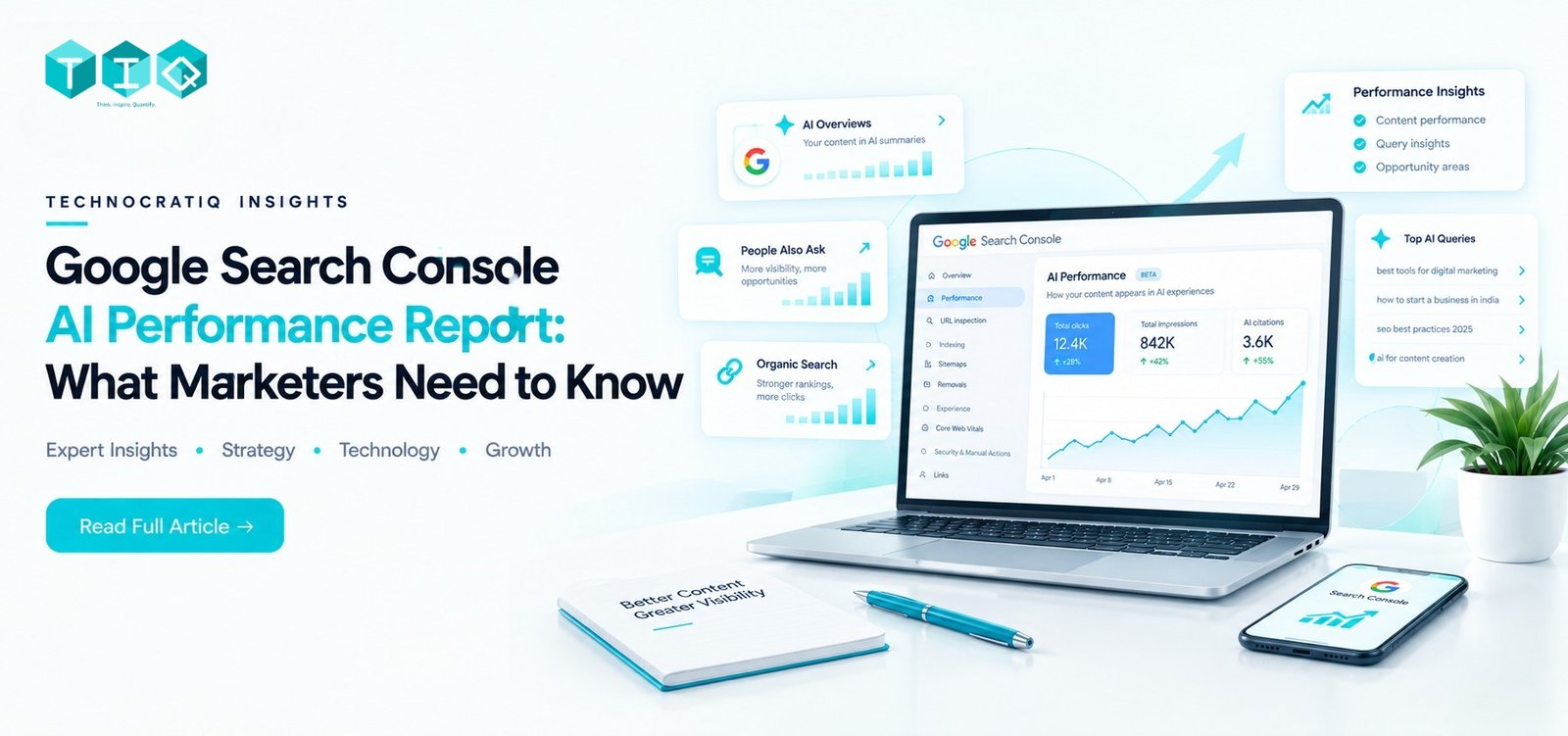
Google’s Generative AI performance report reached full worldwide availability in Search Console on August 31, 2026, following a limited rollout that began in June (Google Search Central Blog). Every Search Console property now has access to dedicated visibility data for AI Overviews, AI Mode, and generative AI features in Discover, but the report is structured differently from anything else in Search Console, and reading it like traditional performance data will lead to the wrong conclusions.
This guide walks through what the report actually shows, what it doesn’t, and a simple way to use it without over-reading a dashboard that’s still an early version of something Google will keep expanding.
What Changed in Search Console
Google announced the new reports on June 3, 2026, describing them as giving site owners “dedicated views of your impressions within generative AI features on Search, such as AI Overviews and AI Mode, as well as generative AI features in Discover” (Google Search Central). This data was already counted inside your existing Search Console totals; the report simply gives it a separate, dedicated view for the first time.
Search vs. Discover: Two Separate Reports, Not One
This is an important distinction the report itself makes clear, but is easy to miss: Search and Discover have their own separate Generative AI performance reports, not one combined view.
- The Search report covers impressions from AI Overviews and AI Mode. As of Google’s documentation update on September 7, 2026, AI Mode impressions are no longer broken out separately from AI Overviews within this report they’re combined into one generative AI figure for Search.
- The Discover report covers impressions from generative AI features inside Google Discover specifically, tracked entirely separately from the Search report, with its own country and date breakdowns.
Treating these as one blended number will produce a misleading picture, since Search and Discover traffic behave very differently.
What the Report Shows vs. Doesn’t Show
| Data Point | Available in AI Performance Report? |
| Impressions | Yes |
| Page-level breakdown | Yes |
| Country / device / date filters | Yes |
| Export to spreadsheet | Yes |
| Clicks | Not currently included |
| Click-through rate (CTR) | Not currently included |
| Average position | Not currently included |
| Query-level keyword data | Not currently included |
Google has explained the gap in query-level data specifically: AI-driven searches are often long, conversational, or based on complex inputs like images and video, which don’t map cleanly onto the discrete keyword queries standard Search Console tracking was built around. That’s a genuine technical constraint, not Google withholding data but it does mean the report currently answers “where am I showing up” far more completely than it answers “is this working.”
Where Businesses Misread This Data
A few mistakes are already common in the first weeks since the worldwide rollout:
- Assuming AI impressions are new traffic. They’re not this data was already counted in your existing Search Console totals. The report just isolates it for the first time.
- Treating a high-impression page as an automatic win. Without click data, a page can show strong AI visibility and still contribute nothing measurable to your funnel; the report alone can’t tell you which.
- Not realizing the opt-out control exists. Google’s generative AI content controls let site owners exclude specific content from AI features without affecting standard organic rankings. Most teams we’ve spoken with didn’t know this setting existed until it came up directly.
- Dismissing the report because there’s no click data. That reaction is understandable, but it discards a genuinely useful directional signal you just need a deliberate way to read it, covered next.
Technocratiq’s See-Sort-Act Framework for Using This Data
Rather than treating the report as a dashboard to glance at monthly, we use it as the input to a three-stage process.
See is simply understanding what the report gives you impressions by page, country, device, and date, with no clicks or query data attached. Sort is where the real analytical work happens.
A Note on “AI Impression Share”: This Is Our Own Methodology
Before going further: “AI impression share” is not a metric Google provides natively. It’s a comparison Technocratiq calculates using two numbers you can pull yourself: a page’s AI impressions from the Generative AI report, divided by that same page’s total impressions from the standard Performance report, over the same date range:
AI Impression Share = (AI impressions for a page ÷ total impressions for that page) × 100
A page showing 40% of its impressions coming through AI features, against a site average closer to 15%, is signaling something specific about how that page is being surfaced worth investigating further. A page at 12% against the same 15% average isn’t a signal worth acting on yet.
Teams comparing alternatives to manual reporting for marketing analytics tend to hit a wall exactly here: cross-referencing AI impression share against total impression share, page by page, breaks down quickly in a spreadsheet once you’re tracking it across a meaningful number of pages over time.
Act: Turning the Comparison Into Priorities
Important clarification: the “clicks” referenced in the table below come from your standard Search Console Performance report, not from the AI performance report itself. The AI report has no click data of its own. This comparison only works by pulling both reports side by side.
| AI Impression Share vs. Total Clicks (from standard Performance report) | What It Likely Means | Suggested Action |
| High AI share, flat or declining total clicks | Page is being summarized inside AI answers rather than driving click-through | Review whether the page leads with a clear, direct answer early on |
| High AI share, stable or rising total clicks | Page is gaining AI visibility without losing traffic | Maintain current structure, monitor monthly |
| Low AI share, high query relevance | Content may not be well-suited to how AI features extract answers yet | Review heading structure and where the direct answer sits on the page |
| Low AI share, low query relevance | Not primarily an AI visibility issue; likely a broader content relevance gap | Address through standard content strategy, not AI-specific changes |
The row worth prioritizing first is pages with high AI impression share but flat clicks; these are the strongest candidates for reviewing whether the content leads with a clear answer to the actual question being asked, rather than a narrative introduction. see our content structure for AI Overviews guide, which breaks down how to structure pages for clearer AI extraction. Note that no special schema markup is required specifically for AI Overview or AI Mode eligibility; clear structure, accurate content, and a direct answer placed early on the page are the same fundamentals that support strong search performance generally.
A Checklist for Professional Service Firms (CA, BFSI, Law)
This report matters more for professional service firms than it might first appear. Buyers in these categories chartered accountants, law firms, BFSI brands tend to research extensively before ever clicking through to a website, and a meaningful share of that research may now happen inside AI-generated answers that a standard traffic report would never surface.
A few things worth checking specifically:
- Check AI impression share on your highest-intent service pages first, not blog content, since the stakes of misreading the data are lower there
- Don’t over-index on AI impressions for inherently low-volume terms; thin numbers on a niche keyword may simply reflect thin search volume, not a visibility problem
- Treat every reading from this repmarketing analytics ort as directional rather than conclusive, given the current gaps in click and query data
Where relevant, this connects directly to how we’ve built out our CA firm marketing, BFSI marketing, and law firm digital marketing pages, each built with AI-search visibility as a first-class consideration from the start.
How Technocratiq Uses This Data
We treat the AI performance report as one input into a broader reporting system, not a standalone dashboard to screenshot once a month. For teams evaluating alternatives to manual reporting for marketing analytics, that’s the core distinction connecting AI impression data to actual page-level decisions on a monthly cadence, rather than exporting numbers nobody acts on. The question we ask ourselves every month is straightforward: what did last month’s AI visibility data actually change about this month’s content priorities?
What Acting On This Data Delivers
- Content prioritization grounded in an actual signal, rather than guesswork about which pages might be AI-relevant
- Earlier warning when a page is losing ground to AI-answer summarization, visible in the comparison stage before a drop in total clicks would confirm it independently
- Over time, a defensible AI search optimization strategy built on real (if still incomplete) data, rather than no visibility into this channel at all
FAQs
What is the purpose of Google Search Console?
Google Search Console is a free tool showing how Google sees and indexes your website including indexing status, search performance, and technical issues affecting visibility giving site owners direct, first-party data about their site’s presence in Google Search.
What is the AI Overview feature in Google Search Console?
AI Overviews aren’t a feature inside Search Console itself they’re AI-generated answer summaries that appear in Google Search results. Search Console’s Generative AI performance report is what tracks your visibility within AI Overviews, AI Mode, and Discover’s AI features, separately from standard search results.
Is Google Search Console good for SEO?
Yes, it remains one of the most reliable free sources of first-party data for SEO, now extended to include AI-feature visibility directly from Google, rather than inferred through third-party tools.
Do all Google searches use AI now?
No. AI Overviews and AI Mode appear for a growing share of queries, particularly informational and complex ones, but many searches, especially navigational and highly transactional queries, still return standard results without an AI-generated summary.
What’s new in Google Search Console?
The most significant recent addition is the Generative AI performance report, which reached full worldwide availability on August 31, 2026, giving every property visibility into impressions from AI Overviews, AI Mode, and Discover’s AI features.
How do I improve SEO for AI search?
Structure content around direct, extractable answers placed early on the page, use clear semantic headings, and prioritize reviewing pages where AI impression share is high but click-through isn’t. That combination is one of the clearer signals of where restructuring may help.
Ready to know what your AI Impression Share is actually telling you?
We help brands turn Search Console’s AI performance data into an actual content strategy not just a monthly screenshot. → Book a strategy call